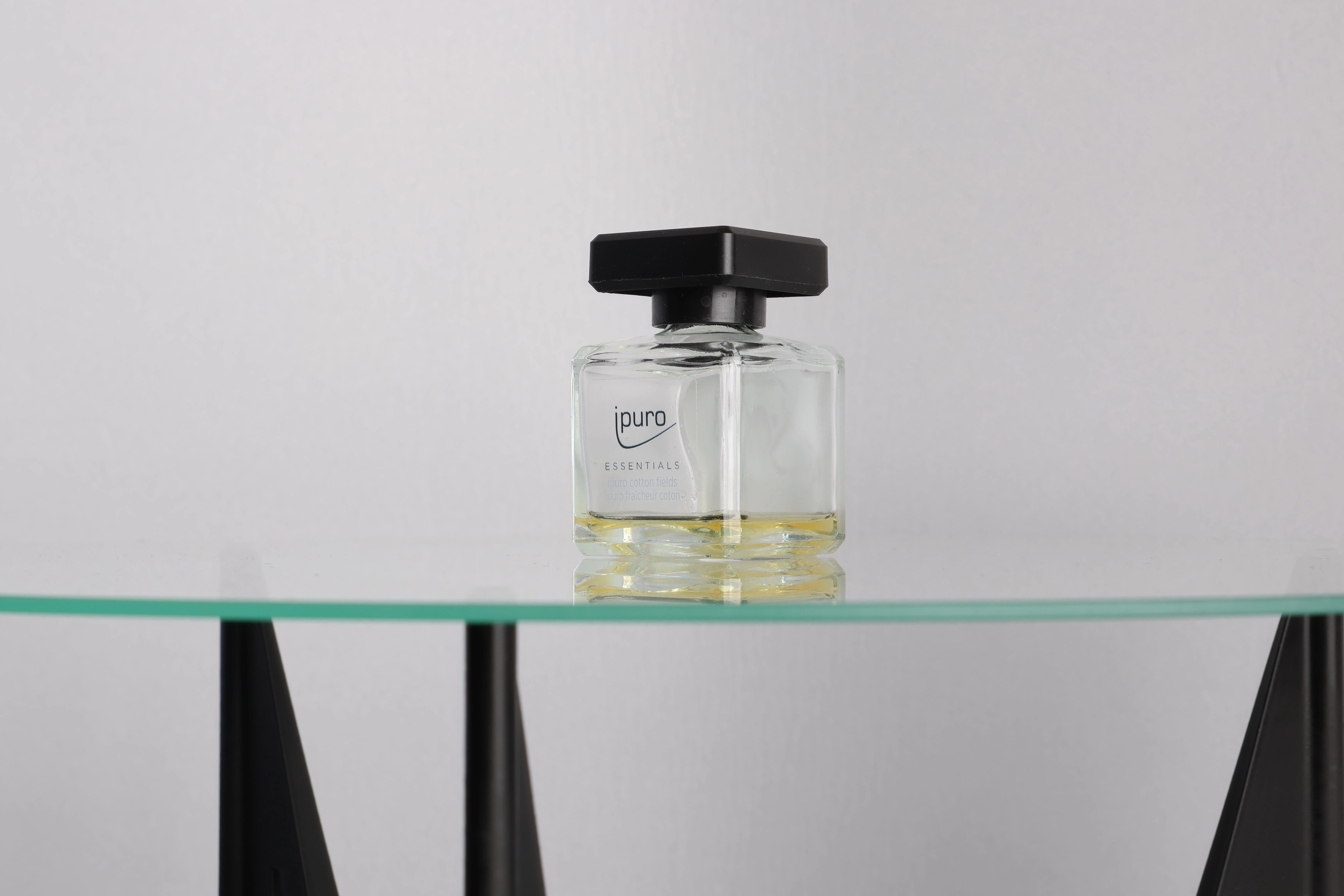
360° Photography with the Momentum 2.0
The Momentum 2.0 is a photogrammetry-based object scanner: it captures a series of photographs from multiple angles and uses those images to reconstruct a detailed 3D model. For most products, this process works reliably and efficiently. But certain materials present a genuine challenge for any photogrammetric system. Highly reflective surfaces, transparent objects and glass all behave in ways that make standard 3D reconstruction difficult or unreliable.
For these cases, botspot’s Momentum 2.0 can be reconfigured to work as an automated 360° photography system. The same hardware, the same turntable, the same controlled lighting environment, but a completely different output: a smooth, interactive spin viewer that shows the product exactly as it looks in real life. No 3D model required.
Why Glass and Reflective Objects Are Difficult to Scan
To understand why this matters, it helps to know a little about how photogrammetry works. The software reconstructs a 3D model by identifying the same point on an object across dozens of different photographs. It looks for visual features, consistent details it can match from one image to the next, and uses those matches to calculate the shape of the surface.
Reflective and transparent materials disrupt this process in different ways. A shiny chrome surface reflects its surroundings, so the highlights and colors visible on it shift depending on the camera angle. What looks like a fixed point on the object from one direction looks completely different from another. The software struggles to find reliable matches, and the resulting 3D model ends up with holes, distortions, or missing geometry.
Glass and transparent materials introduce a different problem. Rather than reflecting the environment, they let light pass through, making the surface itself nearly invisible to the camera. The scanner may partially capture whatever is behind the object instead of the object itself. If you are new to the topic, our introduction to photogrammetry explains the fundamentals in more detail.
The Scanning Spray Workaround and Its Limitations
There is an established technique for scanning glass objects: scanning spray. A temporary matte coating is applied to the surface of the object before scanning. This gives the scanner something consistent to read, and the geometry can be captured. Afterwards, the spray is removed and a 3D artist applies a texture to the mesh to restore the appearance of the glass.
This workflow can produce good results, but it comes with real costs. Each object needs to be sprayed, scanned, cleaned and then handed off to a skilled digital artist for texturing. Depending on the complexity of the object, recreating a convincing glass or chrome material by hand is time-consuming and technically demanding. The final result depends heavily on the artist's ability to replicate how the material actually looks, and that is not always straightforward.
For a single hero product or a small batch, this process can be worthwhile. At scale, however, across hundreds or thousands of products in a catalogue, the combined cost of spray, labor, and post-production artistry makes it impractical for most businesses. And even with careful work, the outcome does not always look fully convincing.
360° Photography: A More Direct Solution
360° photography takes a different approach entirely. Rather than trying to reconstruct the geometry of a difficult object, it captures the object as it actually looks. The Momentum 2.0 rotates the product on its turntable and photographs it at regular intervals throughout the full rotation. Those images are then loaded directly into a 360° spin viewer, producing an interactive presentation where the viewer can rotate the product in any direction.
For glass, transparent packaging, polished metals, and other challenging materials, this approach has a clear advantage: it captures exactly what the eye sees. The reflections, the transparency, the surface finish, all of the visual qualities that make these materials difficult to scan are precisely what makes them look compelling in a 360° viewer. No texturing is required because the photographs themselves are the final output.
The result is also immediately familiar to anyone who has browsed a modern e-commerce site. Spin viewers are a well-established format for product presentation, and customers are comfortable using them. For product categories such as glassware, perfume, cosmetics, jewelry, or consumer electronics, a high-quality 360° presentation can be more effective than a 3D model for direct sales use.
How the Momentum 2.0 Is Configured for 360° Capture
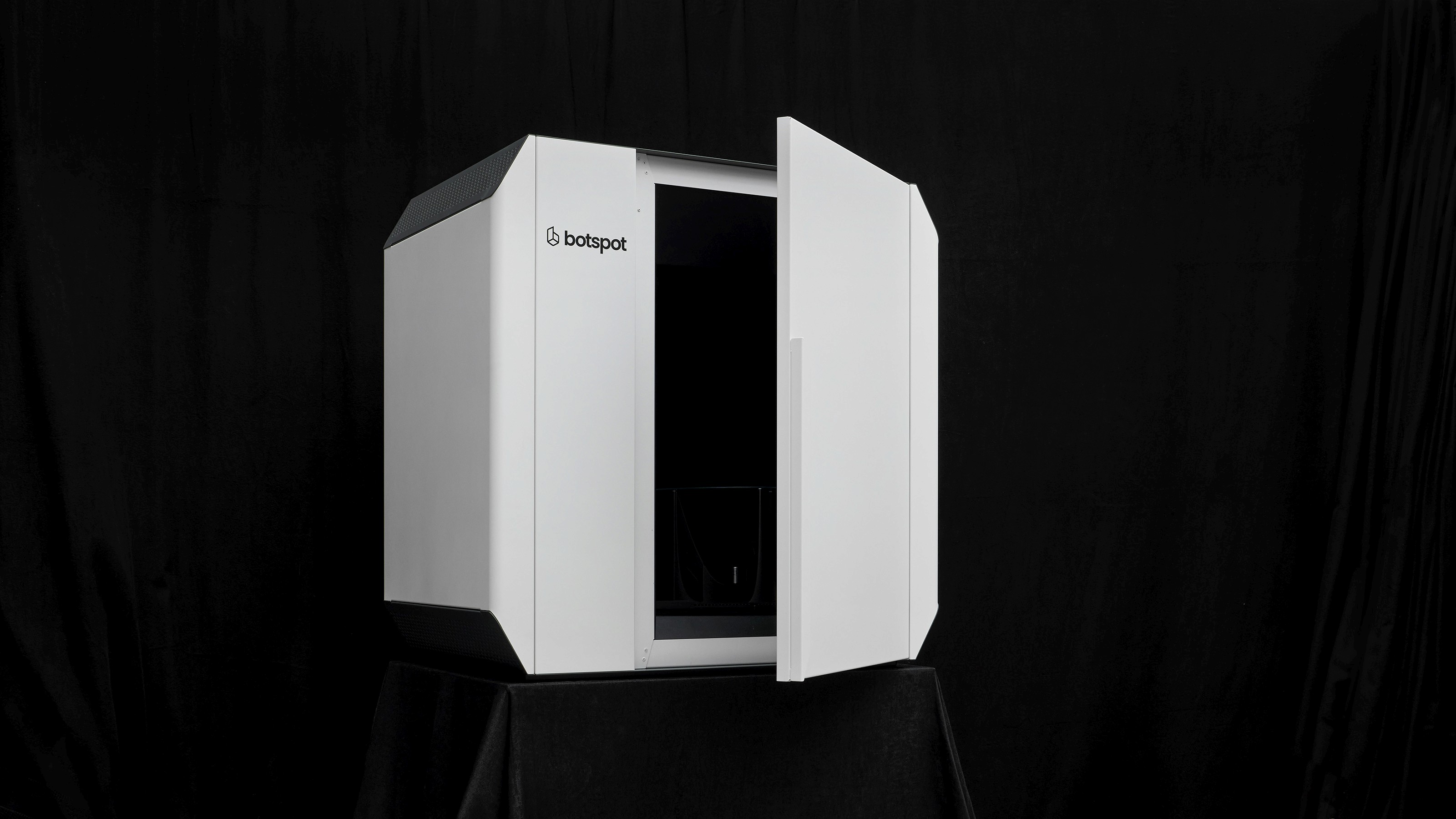
Switching the Momentum 2.0 to a 360° photography workflow does not require new equipment. The scanner's camera array, turntable rotation, and lighting environment remain in place. The main practical consideration is how the object is positioned and held on the turntable. The Momentum 2.0 already includes a set of interchangeable holding structures at different heights to accommodate various object sizes. You can read more about the scanner's mechanical design in our article on making the Momentum 2.0.
For objects with unusual shapes or specific mounting requirements, custom holders can be produced. As one example, a holding structure for smartphones was 3D printed with an integrated USB-C connector. This kept each device upright and precisely centered as the turntable completed its rotation, ensuring consistent positioning across every unit in the batch without any manual adjustment between captures.
Background and holder color are also worth considering carefully in a photography workflow. The choice of background affects how cleanly the object can be separated from its surroundings in post-processing, as well as the overall visual quality of the final images. A background that contrasts well with the object generally produces the cleanest results. Once these parameters are set for a given product type, the capture process runs fully automatically.
Output: Spin Viewers and Automated Background Masking
Once the capture sequence is complete, the images are processed for use in a 360° spin viewer. This viewer can be embedded in product listings, digital catalogues or presentation platforms. The botspot Automation Suite handles the workflow from capture through to output, keeping the process efficient and consistent across large batches.
An optional automated masking step can also be applied, which removes the background from each image in the sequence. This places the product on a transparent or neutral background within the viewer, consistent with standard e-commerce presentation requirements. The masking is generated automatically, without requiring manual selection or frame-by-frame editing.
The combination of clean photography, automated background removal, and an interactive spin format produces a final output that is ready for direct use in product pages or digital marketing materials.
When to Use 3D Scanning and When to Use 360° Photography
360° photography is not a replacement for 3D scanning. For the majority of products, a full 3D model offers capabilities that photographs cannot replicate: it can be used in augmented reality applications, interactive configurators, product customization tools and technical workflows where accurate geometry matters.
The 360° photography mode addresses a specific category of products where standard photogrammetric reconstruction is either unreliable or difficult to scale cost-effectively. For businesses with diverse product catalogues that include both standard and challenging materials, having both capabilities available on a single system is a practical advantage. It removes the need for a separate photography setup and keeps the entire digitization workflow within one piece of equipment. To learn more about what the Momentum 2.0 can do, visit the product page or explore further articles in the 3D Academy.


botspot’s Automation Suite: Complete Control Over Your 3D Scanning Workflow
Top 3 Photogrammetry Software in Review
Making the Momentum 2.0
3D Scanning Historical Costumes from the Filmmuseum Potsdam
How Body Measurement Technologies Are Advancing