Top 3 Photogrammetry Software in Review
Photogrammetry software has advanced rapidly over the last few years. Reconstruction is faster, results are more detailed and workflows are increasingly automated. At the same time, the market has become more competitive, leaving many users unsure which platform best fits their needs.
Choosing the right photogrammetry software depends on more than headline performance. Factors such as alignment reliability, learning curve, processing speed, hardware requirements, automation options and long-term costs all play a role, especially for professional scanning workflows. If you are completely new to photogrammetry, we suggest you read our Brief Introduction to Photogrammetry first.
In this article, we compare three of the most widely used photogrammetry reconstruction tools available today: Epic Games’ RealityScan, Agisoft Metashape and 3DF Zephyr. The goal is not to crown a single “winner”, but to clarify where each tool performs best and which types of users they are best suited for.
A Quick Overview
All three platforms convert sets of 2D images into 3D data, including point clouds, meshes and textured models. However, their design philosophies and target users differ significantly.
RealityScan focuses on speed, GPU acceleration and integration with real-time pipelines.
Agisoft Metashape prioritizes accuracy, alignment robustness and processing control.
3DF Zephyr emphasizes usability and guided workflows for less experienced users.
Understanding these differences is key to selecting the right software for your workflow.
RealityScan
Speed, Automation, and Production Pipelines
RealityScan (formerly RealityCapture) is one of the most widely adopted photogrammetry platforms in professional production environments. It is known primarily for its reconstruction speed, made possible through efficient GPU acceleration and optimized algorithms.
In practice, RealityScan can process large image datasets significantly faster than most alternatives, making it well suited for high-throughput environments. It is particularly popular in industries such as visual effects, game development, digital twins and object digitization for real-time applications.
Where RealityScan stands out is its ability to integrate into automated pipelines. At botspot, we use RealityScan as part of our scanners’ automated scan-to-3D workflows. Image capture, processing and export are handled automatically once a scan is completed, reducing manual intervention and ensuring consistent output quality. As an official reseller of RealityScan licenses, our scanners are delivered already equipped with this powerful tool at hand.
That said, when used manually, RealityScan does come with a learning curve. While the interface is powerful, it can feel complex for beginners, and some tools are not immediately obvious. Dataset alignment can also be sensitive to capture quality; in certain challenging scenarios, partial alignment may occur, and manual intervention may be required.
Unfortunately for Apple users, RealityScan is only available on Windows and Linux, not macOS, and an NVIDIA graphics card is also required to run this powerful software.
RealityScan is best suited for:
Automated scanning systems
High-volume production workflows
Real-time 3D, AR/VR and Unreal Engine pipelines
Users who value speed and automation over granular manual control
Recent Updates
With the release of RealityScan 2.1, Epic Games continued to focus on making the software easier to integrate into professional production workflows, while also expanding its capabilities beyond image-only photogrammetry.
One of the key additions is improved support for combining photos with laser scanning data. In practical terms, this allows users to merge detailed photographic textures with reliable geometric data from laser scans, which can be helpful for larger scenes or more complex objects.
The update also introduced new ways to automate processing. RealityScan can now be controlled remotely and from the command line, making it easier to distribute work across multiple computers or run reconstructions automatically without manual input. For everyday users, smaller improvements such as clearer UV unwrapping previews and more flexible camera-based rendering options help improve the final quality of textured models.
Agisoft Metashape
Robust Alignment and Processing Control
Agisoft Metashape is a long-standing and respected tool in the photogrammetry field, widely used in research, cultural heritage, surveying and scientific applications.
One of Metashape’s strongest advantages is its image alignment reliability. In practice, it is often able to align datasets that partially fail or struggle in other software. This makes it particularly valuable for difficult datasets, such as objects with limited texture variation or less-than-ideal capture conditions.
The interface is relatively minimalistic and structured, which many users find easier to navigate than more complex platforms. While Metashape is not the fastest option (dense cloud generation and mesh creation can be resource-intensive), it offers a high degree of control over every processing step.
Another notable advantage is its licensing model. Metashape is available as a one-time purchase rather than a subscription, which can be appealing for universities, research labs and long-term projects.
Metashape is best suited for:
Alignment-critical datasets
Research, archaeology and cultural heritage
Users who value control and reproducibility
Cross-platform workflows (Windows, macOS, Linux)
Recent Updates
The latest version, Agisoft Metashape 2.3, focuses on making results both more reliable and more visually consistent, especially for users working with challenging datasets.
A notable improvement is a new texture blending mode designed to reduce visible seams and exposure differences. This is particularly useful for outdoor scenes or objects photographed over longer periods, where lighting conditions may change between images.
Metashape 2.3 also improves how the software handles different camera types, including wide-angle and fisheye lenses, which helps stabilize alignment and improve geometric accuracy. For users working with both photos and laser scans, several updates strengthen hybrid workflows, including better calibration tools and clearer reporting options. Overall, the update reinforces Metashape’s reputation for dependable alignment and controlled, high-quality output.
3DF Zephyr
Accessibility and User-Friendly Workflows
3DF Zephyr is often regarded as the most user-friendly of the three platforms. Its interface relies heavily on guided prompts and clearly structured steps, making it easier for newcomers to understand what comes next in the reconstruction process.
This ease of use makes Zephyr particularly appealing to users who are new to photogrammetry or who want results without extensive configuration. Many users report that they can achieve usable models quickly, even without prior experience.
Zephyr supports a wide range of input formats and offers different licensing tiers, including a free version with limitations. However, its mesh editing capabilities are more limited compared to other platforms, and certain workflows, such as target-based alignment, can introduce additional setup complexity.
3DF Zephyr is best suited for:
Beginners and occasional users
Educational environments
Smaller projects with guided workflows
Users prioritizing usability over deep customization
Recent Updates
With 3DF Zephyr 8.0, the focus is on making photogrammetry more approachable and reducing manual preparation work.
The update introduces automatic AI-based masking and classification, which helps the software identify and ignore background elements or unwanted areas before reconstruction. This can save time and make it easier for new users to achieve clean results without extensive manual setup.
Zephyr 8.0 also improves performance and expands hardware support, allowing the software to run efficiently on a wider range of graphics cards. Interface and usability improvements make large datasets easier to navigate, reinforcing Zephyr’s position as a user-friendly entry point into photogrammetry.
A Practical Comparison
Feature | RealityScan | Metashape | 3DF Zephyr |
|---|---|---|---|
Processing speed | Very high | Moderate | Moderate |
Alignment Robustness | Good | Very strong | Good |
Ease of Use | Intermediate | Intermediate | High |
Automation | Excellent | Limited | Limited |
Licensing | Subscription | Perpetual | Tiered |
Best for | Production & pipelines | Research & precision | Beginners |
Which One Should You Choose?
There is no universal “best” photogrammetry software, only the best fit for a given workflow.
Choose RealityScan if speed, automation and production scalability are critical, especially when integrated into scanning systems or real-time pipelines.
Choose Agisoft Metashape if alignment reliability, processing control and long-term licensing flexibility matter most.
Choose 3DF Zephyr if ease of use and guided workflows are your top priorities.
Whenever possible, testing each platform with your own datasets is the most reliable way to make an informed decision.
Final Thoughts
Photogrammetry software continues to evolve, offering more power and flexibility than ever before. Understanding the strengths and limitations of each platform helps ensure that your scanning setup delivers consistent, accurate and efficient results.
At botspot, we work closely with photogrammetry software every day, integrating them into professional scanning systems and automated pipelines. Our experience has shown that the right software, combined with the right hardware and workflow design, can make a significant difference in both output quality and operational efficiency.


Why Laser Body Scanners Fall Short And When Photogrammetry Is the Better Choice
Industries Where Millimeters Matter: Why These Sectors Rely on High-Accuracy 3D Body Scanning
5 Things Cheap 3D Body Scanners Can't Do (That Professional Ones Can)
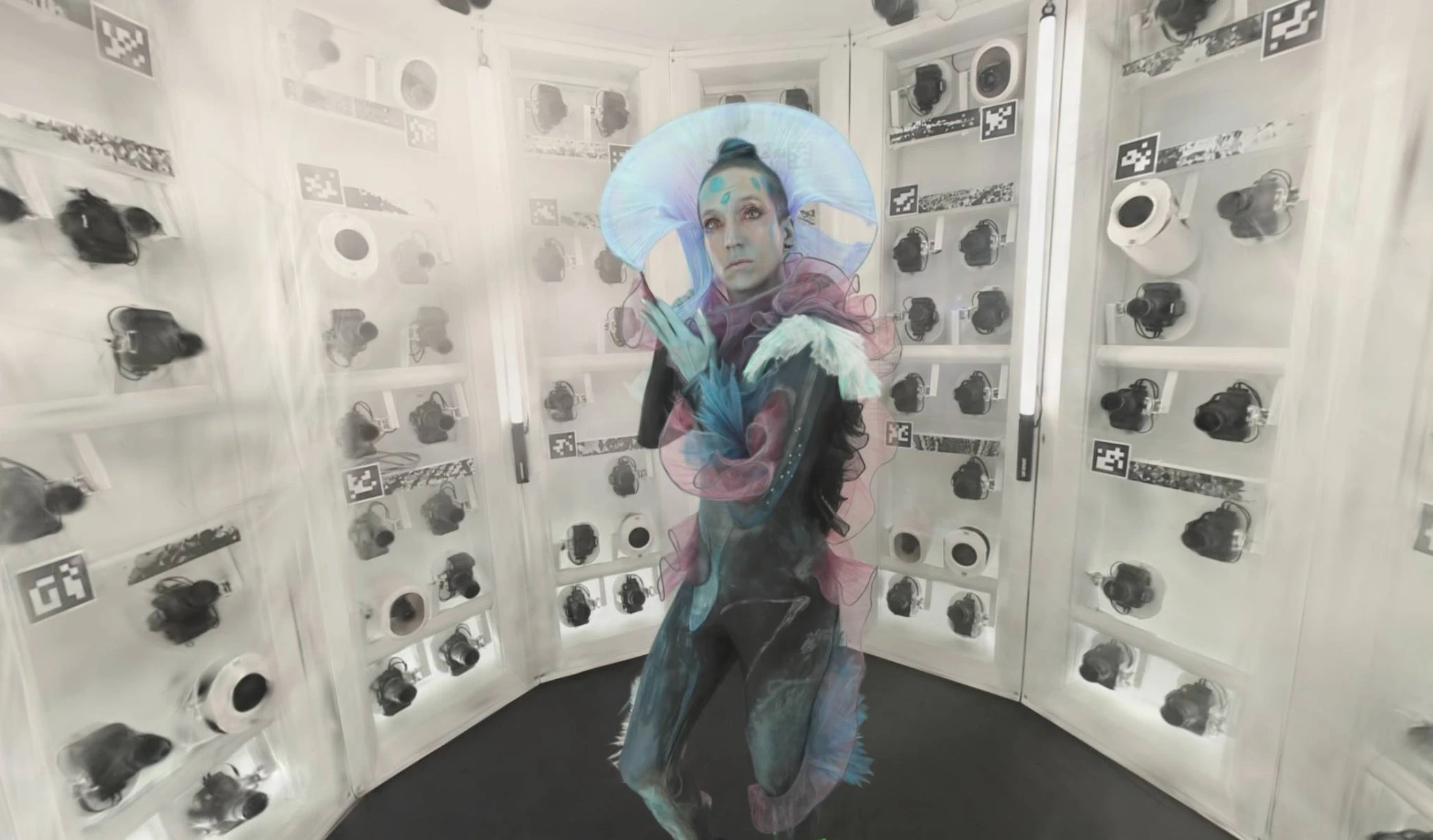
Augmented Ubiquity: The First 4D Gaussian Splat Captured with a botspot Scanner
360° Photography with the Momentum 2.0